
One board, three arrangements
A board on a 34-inch monitor and the same board on a phone are not the same job. In nexdeck every screen width has its own arrangement, and you set it once.
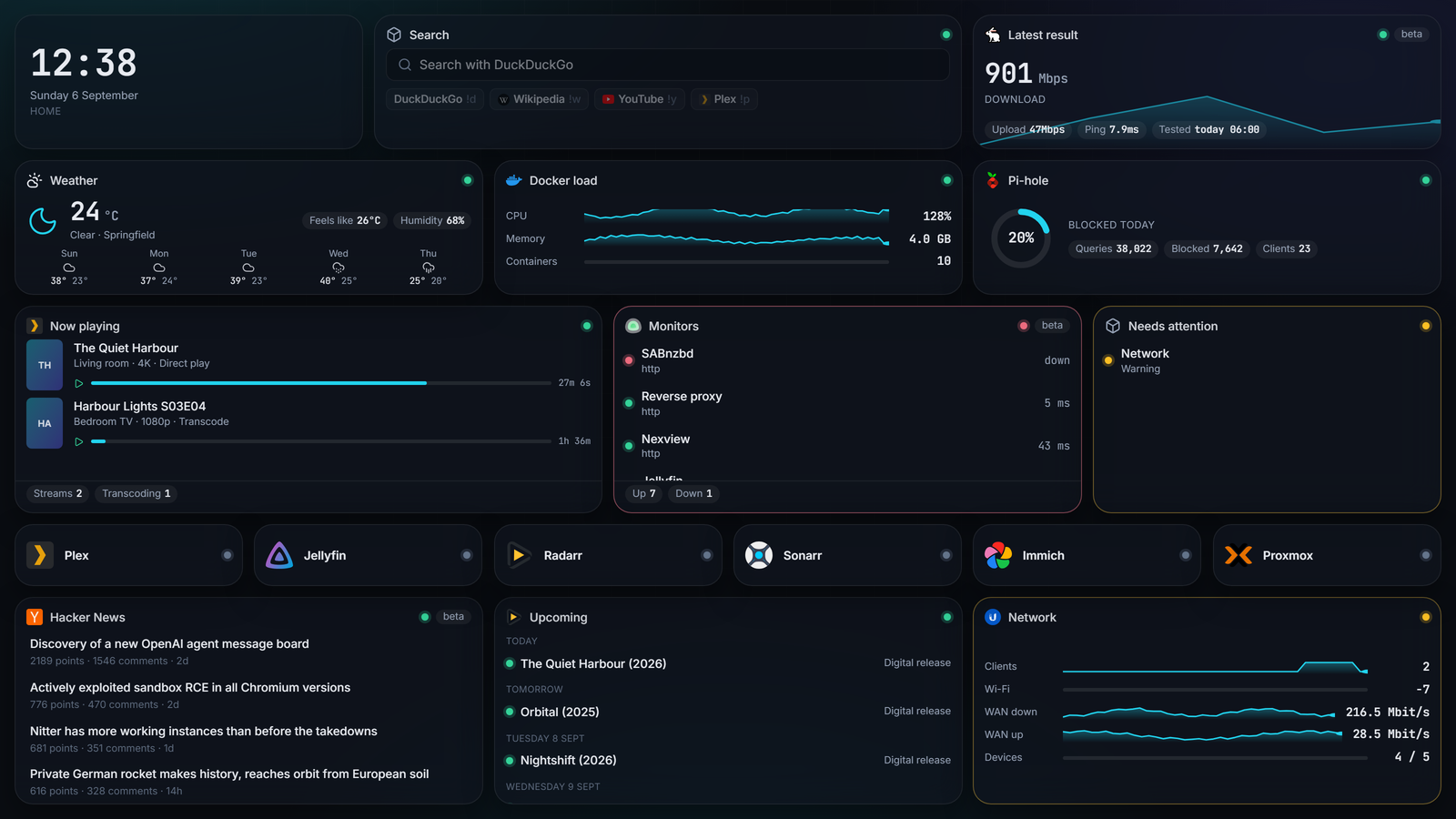
Desk, phone, wall
At the desk
The full grid, cards in their own sizes, the bar at the top with search, brightness, language and account. Ctrl+K opens the search from anywhere.
On the phone
Installable like an app, with a bar along the bottom instead of the top. Its own arrangement for narrow screens, so the desk grid is not just squeezed.
On the wall
A kiosk link shows one board without a sign-in. It cycles through the pages, dims at the hours you set, and stays on the dark theme.
The tablet in the hallway does not sign in
In a board's menu you create a kiosk link. It is shown in full once, and that is what you open on the device at the wall. Afterwards the token lives in a cookie and never rides in an address again.
What the display does is set right there: one page onward every so many seconds, darker from 23:00, back to normal at 06:30. Actions are off by default, because otherwise anyone standing in front of it could restart a container.
The token carries no session. It may read this one board, its live stream and its icons, and nothing else. Revoke it in the same menu; the display then says the link is no longer valid.
An open stream learns nothing about a revoked permission. If a kiosk token is revoked while the display is connected, that one stream keeps running until the connection breaks by itself. The cookie expires after at most 24 hours, which bounds the window. To cut a display off immediately, restart nexdeck.