
One container, and then look around
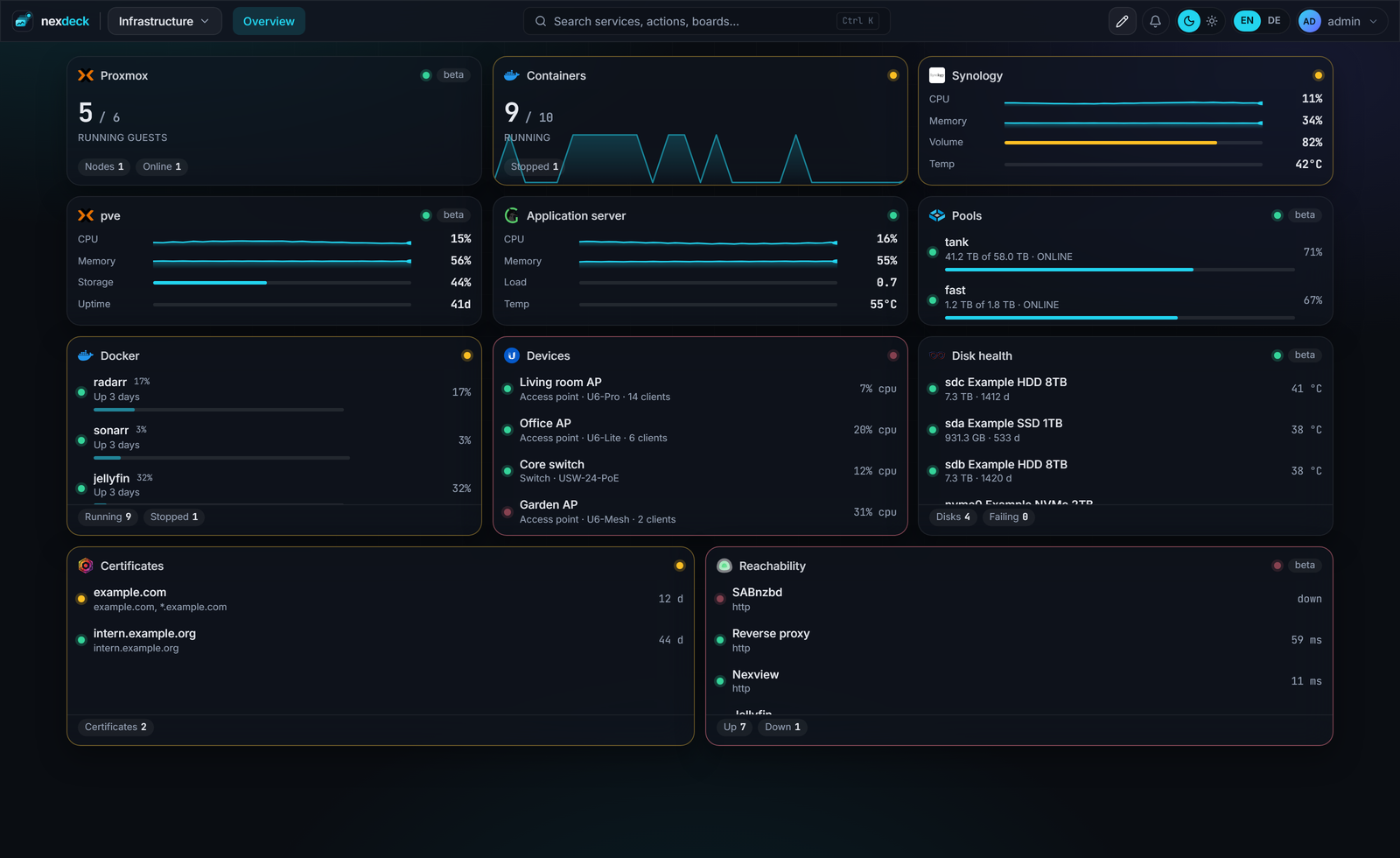
No database beside it, no cache, no build step. The first start creates the administrator and offers a board with invented, moving data. So you can see all of it before you type a single key.
Three lines
mkdir nexdeck && cd nexdeck
curl -fsSL https://raw.githubusercontent.com/DerKezorm/nexdeck/main/docker-compose.yml -o docker-compose.yml
docker compose up -d
nexdeck is then at http://your-host:5175. The image comes from ghcr.io/derkezorm/nexdeck.
Environment variables
All of them, with their defaults, are in .env.example in the repository. These are the ones you actually need.
| Variable | Default | Purpose |
|---|---|---|
NEXDECK_SECRET_KEY | generated | Encrypts stored API keys and signs sessions. Set it once and keep it. |
NEXDECK_PUBLIC_URL | empty | How browsers reach nexdeck. Needed for OpenID Connect and Web Push. |
NEXDECK_URL_BASE | empty | Sub path when nexdeck runs below one, e.g. /deck. |
NEXDECK_DEMO | 0 | Start every card with invented data. |
NEXDECK_LOG_LEVEL | INFO | DEBUG logs every adapter request. |
PUID, PGID | 1000 | Owner of the files in the data volume. |
DOCKER_GID | detected | Group of the mounted Docker socket, when detection fails. |
The Docker socket is already mounted in the compose file. That is how you see this host's containers, restart them and follow their logs. On a Synology the same socket serves Container Manager. If you would rather not, take the line out; everything else keeps working.
One line everybody has to remember
Inside, nexdeck speaks plain HTTP on port 8000 and trusts X-Forwarded-Proto when it comes to its cookies.
The data arrives over Server-Sent Events, and no proxy that buffers will pass those through. Traefik and Caddy need nothing. nginx needs one line:
location / {
    proxy_pass http://nexdeck:8000;
    # Without this line the cards stand still.
    proxy_buffering off;
}
How you notice
The page loads, the cards fill in once, and after that nothing moves. It looks as if nexdeck were broken, and it is the proxy.
Two more traps
- A broadcast stays inside the container's network. Wake-on-LAN only reaches machines on the same network.
- Set the secret key before the first integration is created. Replace it later and the stored credentials can no longer be read.
And when something goes wrong
The documentation
Integrations and widgets, Docker labels, boards as files, kiosk displays and the API live in the repository under docs/.
Report an issue
Most useful with the version of the service involved. For an integration with a beta badge, that is exactly the missing proof.
Build on it
Backend Python with FastAPI, interface React and Vite. An adapter is one file, and its cards need no frontend code.