
nexdeck
The dashboard for your own server that moves by itself. The server asks every service in its own rhythm and pushes the change to every open browser. Ten open tabs cost a service one request. 79 integrations. Actions on the cards. Boards for the desk, the phone and the wall.
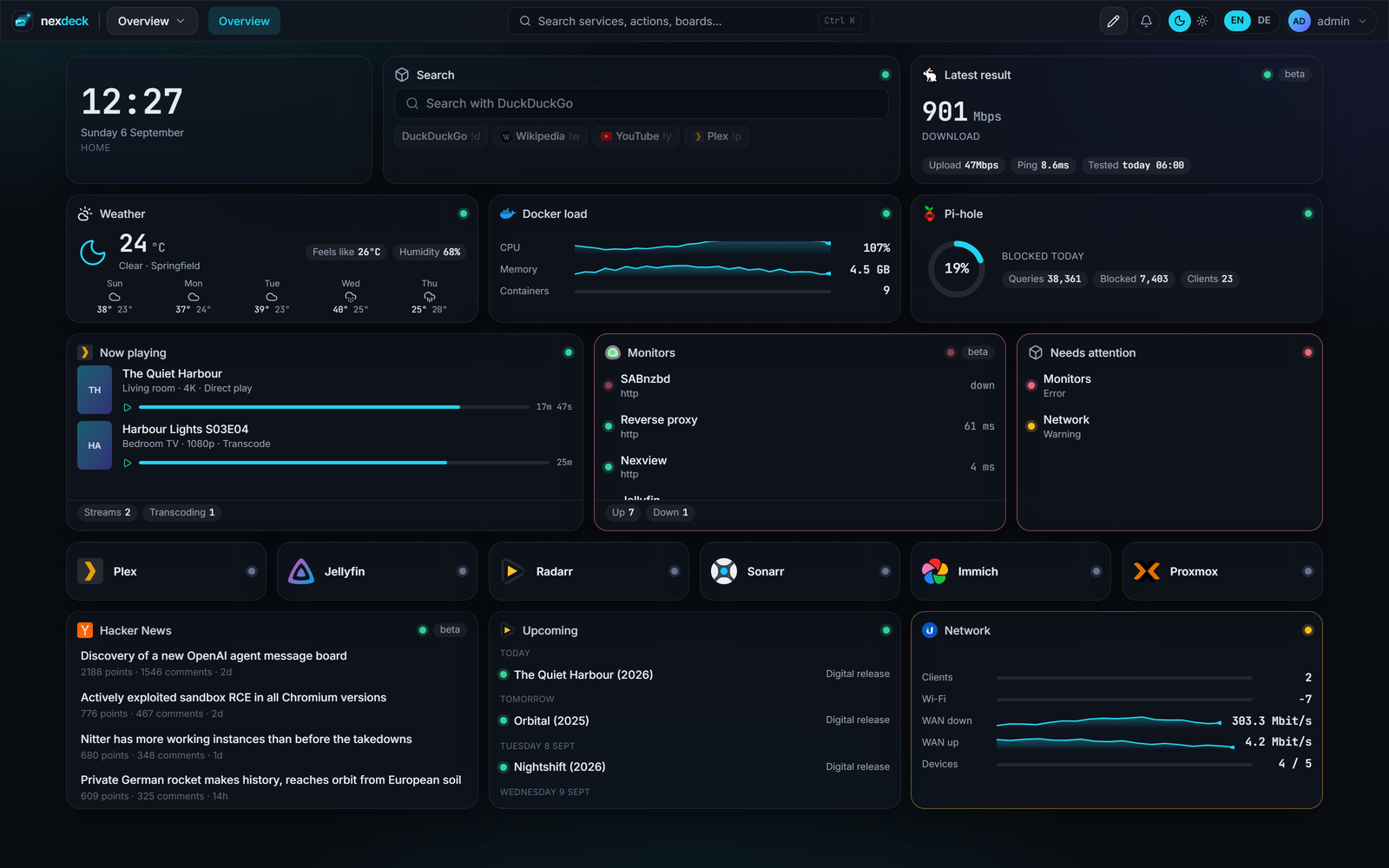
What is playing, what is there, what is on its way
Who is watching, how large the library is, which requests are still open, and the covers of what arrived last. Next to them the queues of Radarr, Sonarr and SABnzbd. One click on the card pauses a download.
Boards and cards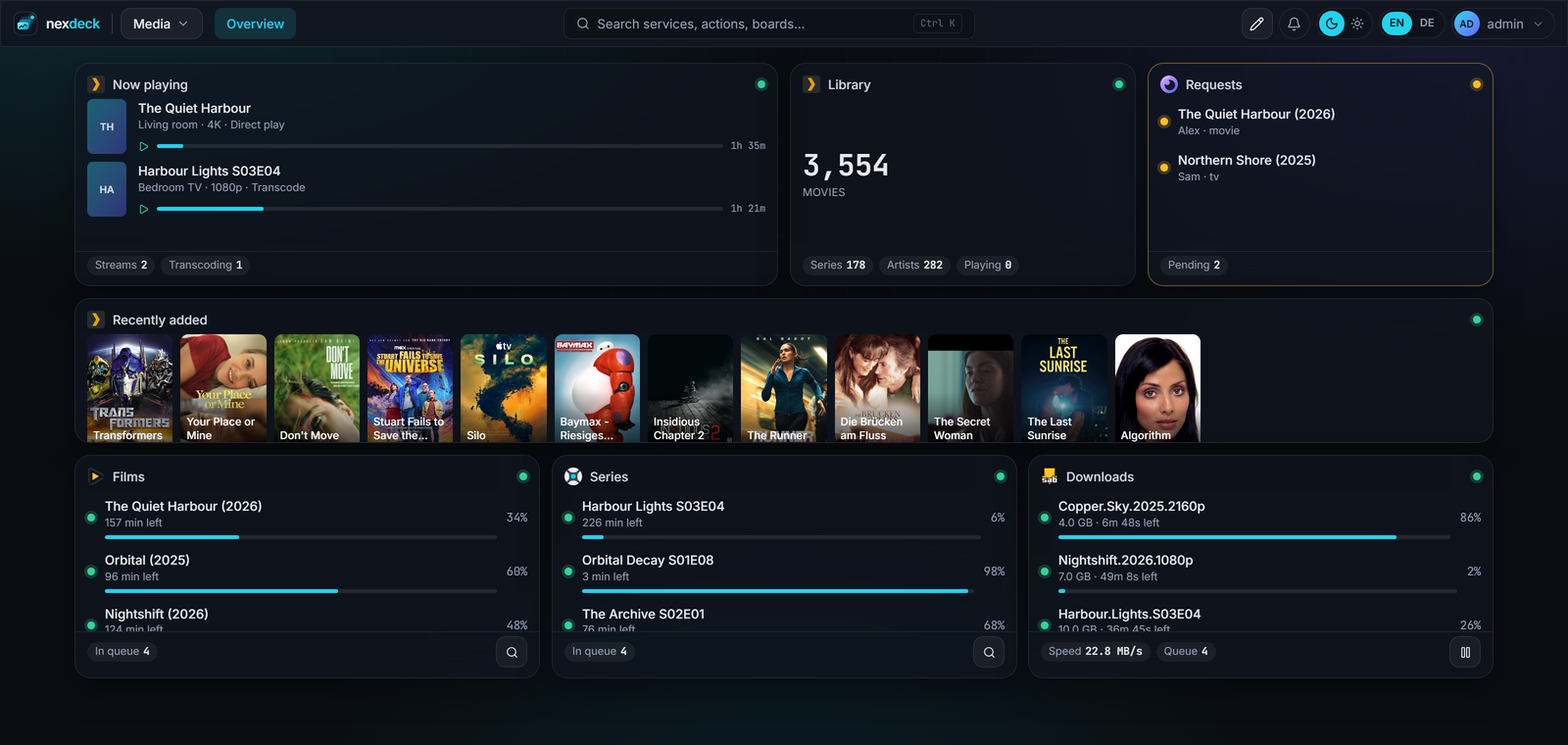
The same grid, a different question
Hosts, containers, pools, disks, certificates and what answers. A container is restarted on the card, a machine woken there, a log followed there.
Acting on it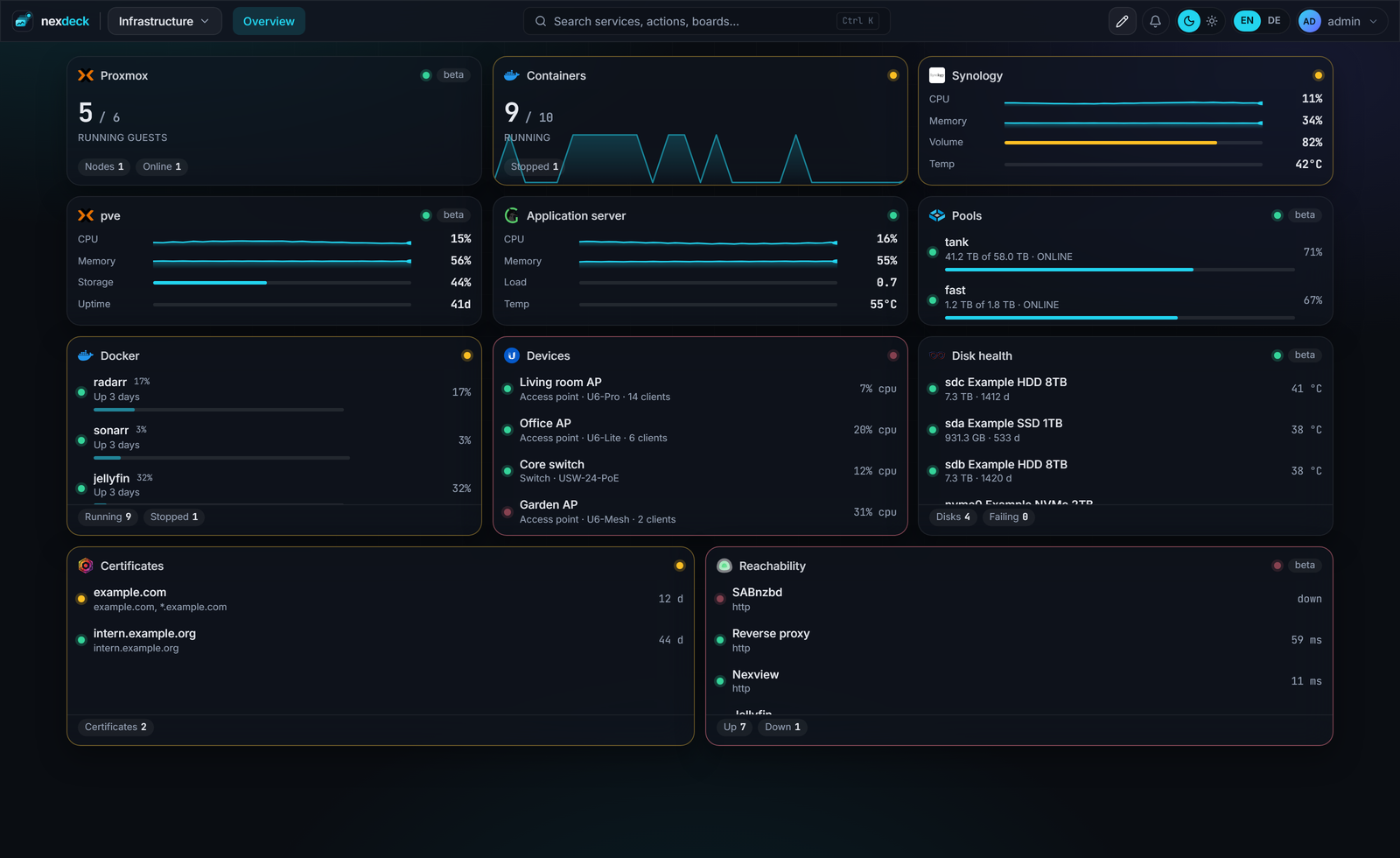
A tablet in the hallway, without a sign-in
A kiosk link opens exactly one board, without a sign-in, read-only unless you say otherwise. It cycles through the pages and dims at night. The token is handed in once at the door and never rides in an address afterwards.
Three screens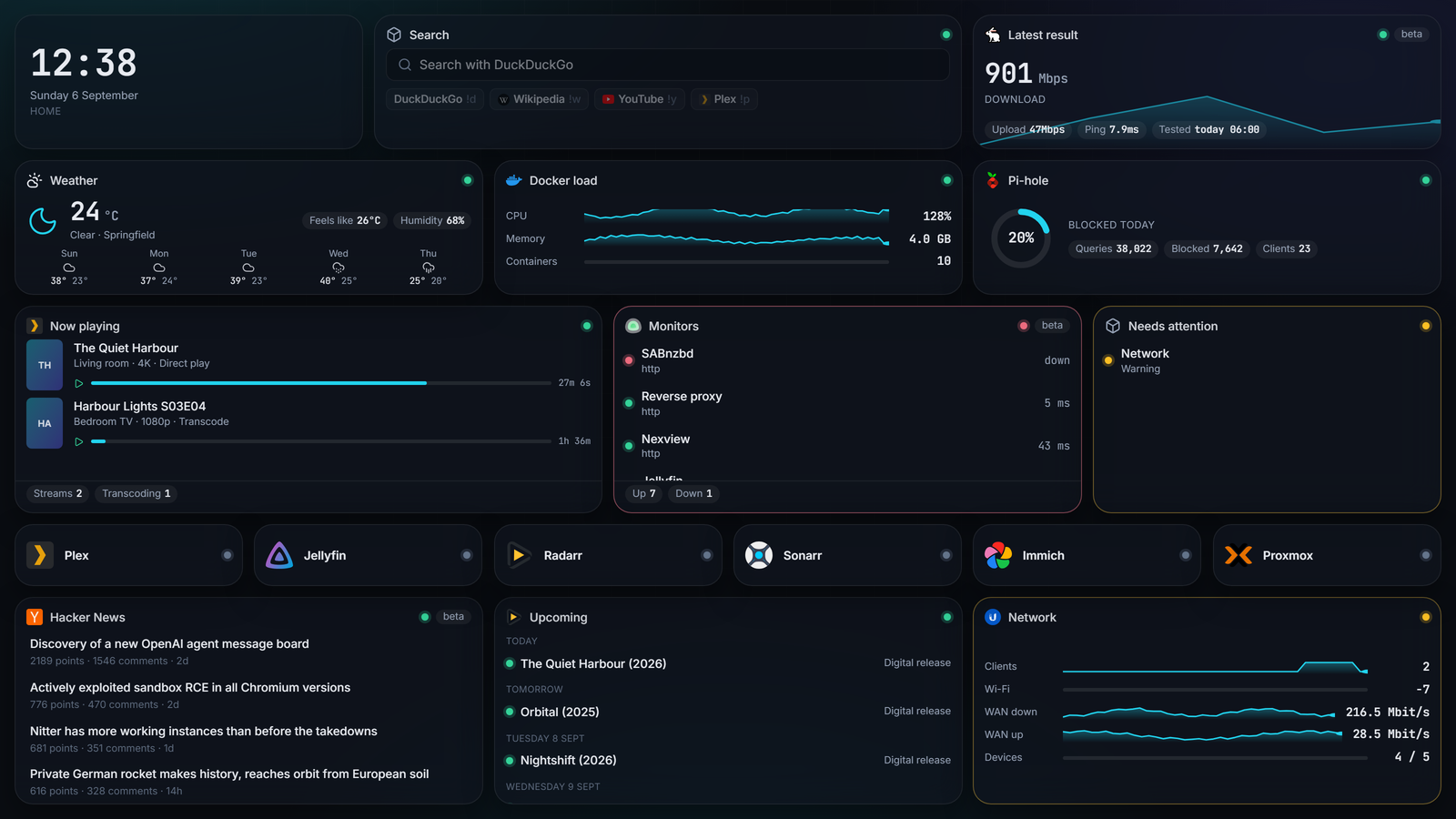
Runs on your machine. No account, no cloud, no service in between.
The first start offers a board with invented, moving data. You look around before you connect anything.
Why another dashboard?
Most start pages for a home server are a list of links with icons. They say where something lives. They do not say whether it is running, how full it is, what is happening on it right now. You click through and go look yourself.
And what does move is usually polled by the browser. Five open tabs are then five times the requests against every service. In nexdeck the server asks, once, and pushes the result on to every browser.
When something turns red, you want to be able to do something about it. Restart a container, wake a machine, pause a download, approve a request, flip a light. On the card, not in another window.
Four ways through nexdeck
A board is not a template. Every card is a window into one service, dropped on a free grid and sized by hand.
Boards and cards
A free grid, every card in its own size. Live numbers with 24 hours of history. A preview while you are still setting it up.
- Free placement
- Sparklines
- Ctrl+K
- Your own colour
Acting on it
Actions where the number is. Reachability with uptime bars, and a message when something has been gone for a while.
- Restart
- Wake
- Approve
- Notify
Three screens
One board, three arrangements: at the desk, as an app on the phone, as a wall display without a sign-in.
- Per screen size
- Installable
- Kiosk
- Night dimming
Running it
Accounts, roles, shared boards, OpenID Connect sign-in, boards as files in Git.
- Roles
- Sharing
- OIDC
- YAML
79 services, and building blocks for the rest
From Docker and Proxmox through Plex, Radarr and Pi-hole to Home Assistant, Immich and the FRITZ!Box. Whatever is missing, the JSON API card reads from any endpoint that hands out numbers.
- Hosts and containers. Docker, Proxmox, Portainer, Synology, Unraid, TrueNAS, Glances, Beszel, Prometheus, Grafana.
- Network. UniFi, MikroTik, FRITZ!Box, OPNsense, pfSense, Traefik, Nginx Proxy Manager, Pi-hole, AdGuard, Tailscale.
- Media. Plex, Jellyfin, Emby, the whole arr chain, SABnzbd, qBittorrent, Seerr and Nexview.
- Home and files. Home Assistant, Frigate, Reolink, evcc, Immich, Nextcloud, Syncthing, Paperless-ngx.
An integration that has not been confirmed against a live instance yet carries a beta badge in the interface. It stands next to every name on the integrations page, so nobody has to guess.
One container, one file
No database beside it, no cache, no build step. The first start creates the administrator and offers a board with invented data.
# Make a directory, fetch the compose file, start it
mkdir nexdeck && cd nexdeck
curl -fsSL https://raw.githubusercontent.com/DerKezorm/nexdeck/main/docker-compose.yml -o docker-compose.yml
docker compose up -d
nexdeck is then at http://your-host:5175. The Docker socket is already mounted in the compose file: that is how you see this host's containers, act on them and follow their logs.
What it is not
A project that names its own gaps does not have to explain them later.